Go to Setting à Tool and select ‘New Tool’
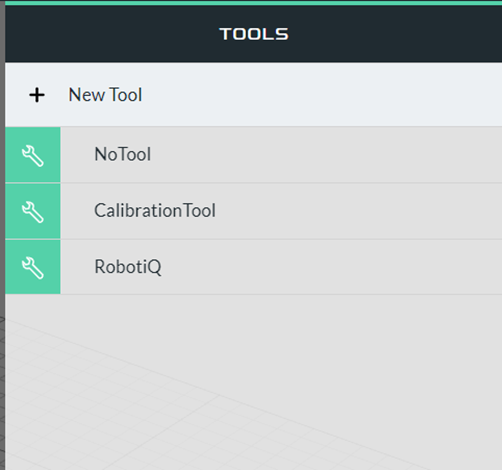
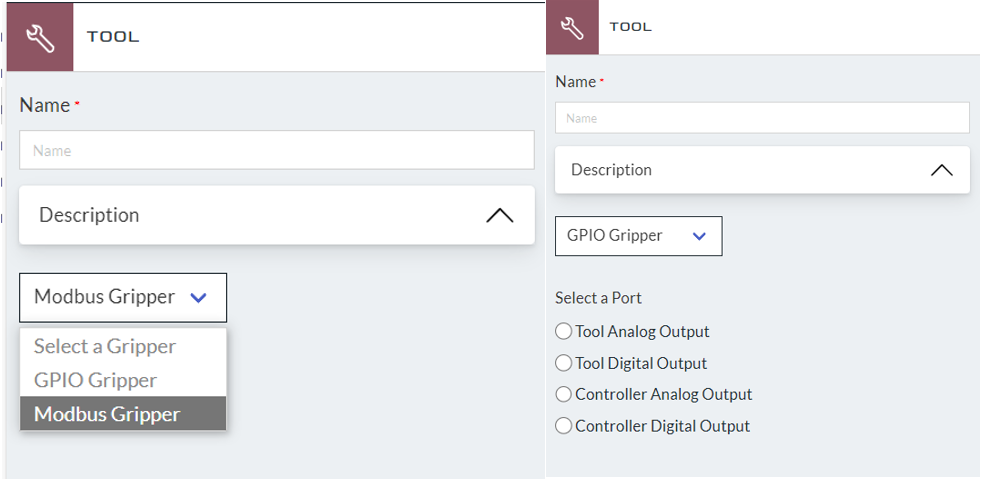
In the new tool, you can define the name of the tool and define what kind of gripper you would like it to be set up
- GPIO Gripper: using standard controller or tool DI/O to control gripper close/open
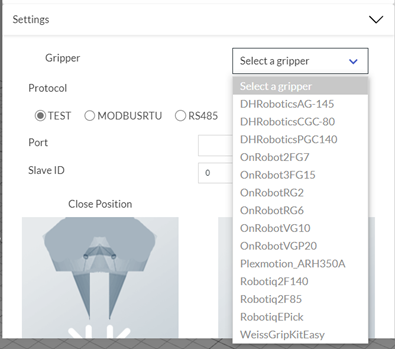
- Modbus Gripper: select supported grippers in drop-down or create your own via an external configurator
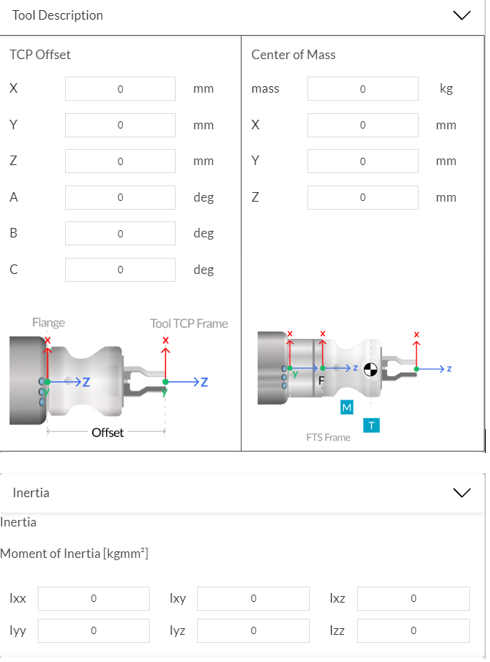
Below are the TCP offset, center of mass, and moment of inertia setting. TCP offset can be identified if the user has the CAD file of the gripper. The center of mass and inertia setting can either be calculated or override by performing a Dynamic Parameter Identification.
The customizing options for tool open/close is different based on different types of gripper that is set up.
Modbus Gripper:
GPIO Gripper:

 Delta Industrial Automation EMEA