This may be due to minor improper setup on the pallet frame.
- In palletizing app, depending on which version of the app you are using, you may encounter this tab to set up the 3 corners to set up the pallet frame.
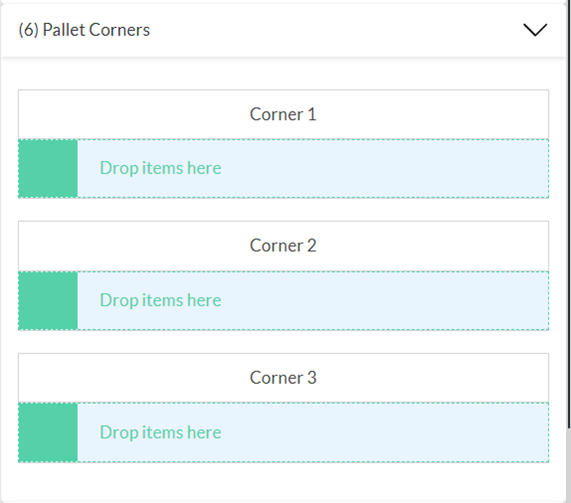
OR
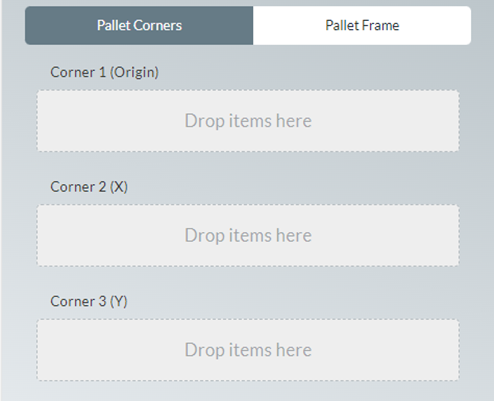
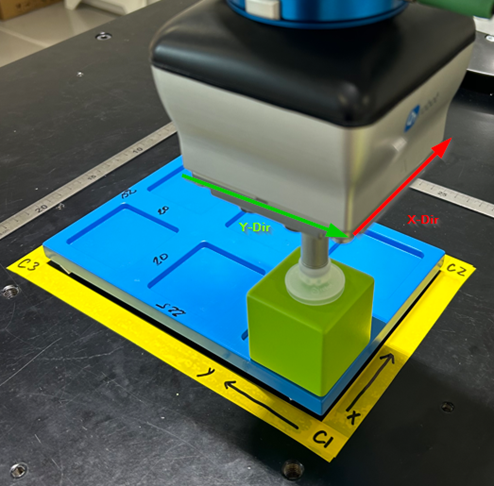
- When teaching the 3 points, please make sure your tool’s x-direction aligns with the pallet intended x-direction to avoid rotational offset
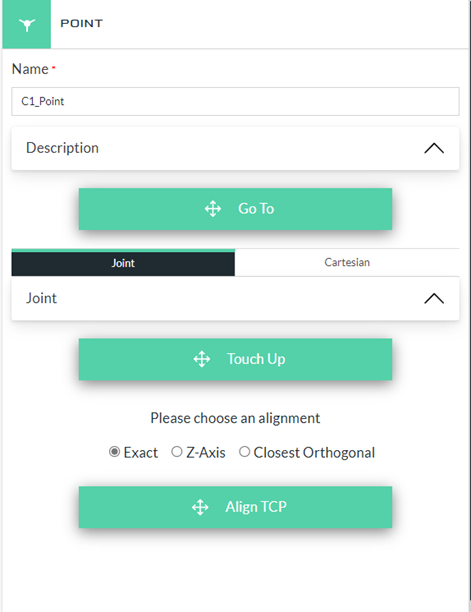
- Another option is after teaching C1, you can use the ‘Point Alignment’ feature and align your C2 and C3 to the exact same orientation as C1
 Delta Industrial Automation EMEA