The “Open Compressed PAKG Error” occurs when the size of the Picture Bank elements exceeds the allowed limit.
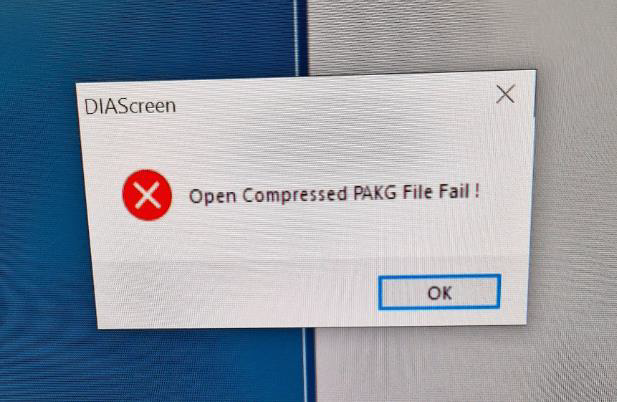
The “Open Compressed PAKG Error” can occur due to one or more images in the Picture Bank having a high pixel count (e.g., 4K images) that the HMI cannot process or due to an excessive number of images in the Picture Bank (e.g., 500 images).
The Picture Bank’s capacity depends heavily on the size of the images, making it difficult to provide an exact limit. However, as a guideline, keeping the Picture Bank below 100 images at a resolution of 640×640 pixels should prevent this error.
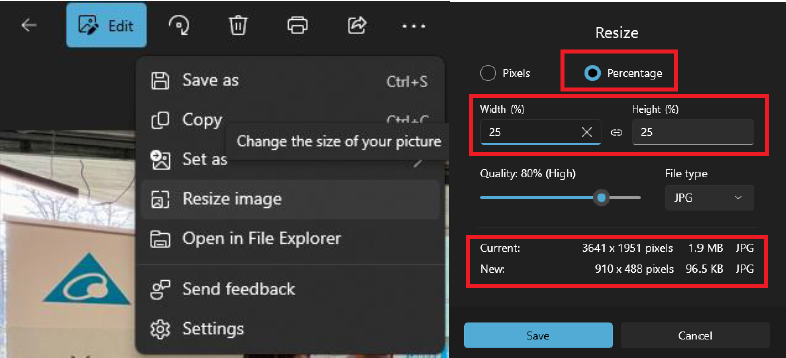
To resolve this issue, resize the images to a smaller resolution using an image editing tool (e.g., the default Windows Photos app), and then reimport them into DIAScreen.
 Delta Industrial Automation EMEA