Here is the driver and procedure to solve this issue. You can solve the touch reversal problem and calibration by following the steps below.
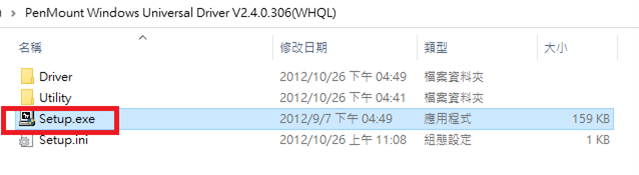
Step 1 : Download the attachment and open Setup.
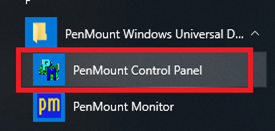
Step 2 : Run the PenMount Control Panel .
Step 3 : App will auto scan your device and double-click it
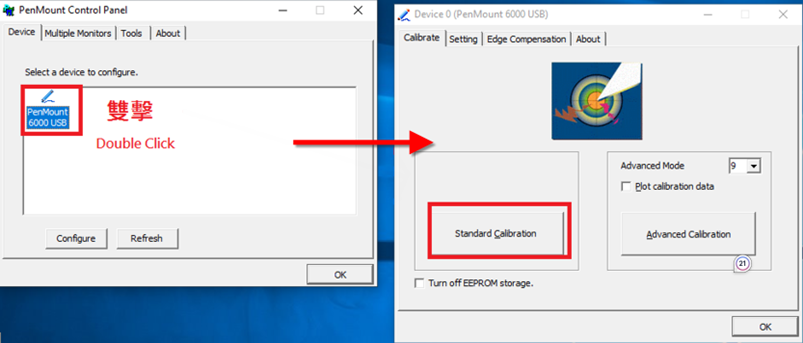
Note: if you don’t see anything, please restore your windows.
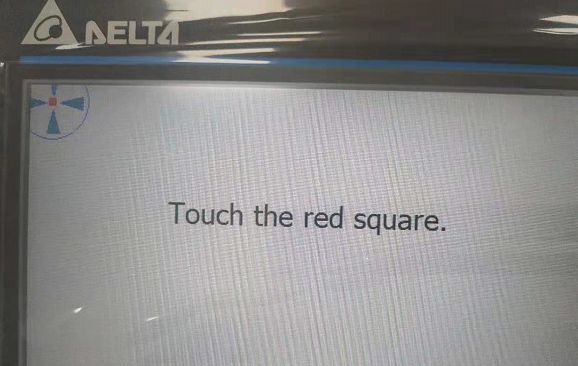
Step 4 : Finish Calibration and check it again.
 Delta Industrial Automation EMEA