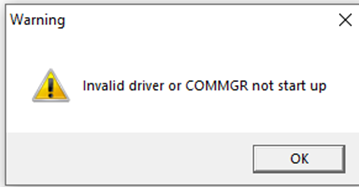
If you encounter the “Invalid driver or COMMGR not start up” warning message when opening ISPSoft\Tools\Communication Settings, please follow the steps below to resolve the issue:
- Open COMMGR and delete all drivers
2. Add new driver and connect to the device.
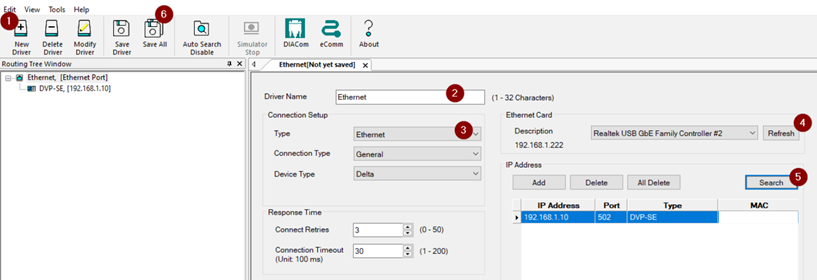
3. Save All Data.
4. Reopen ISPSoft\Tools\Communication

