Firmware Update
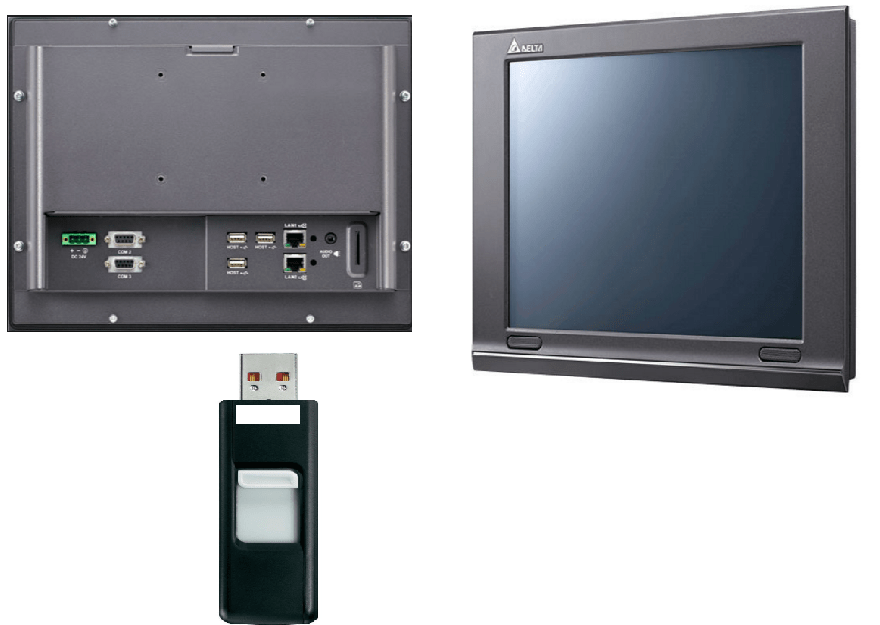
This function enables the user to perform firmware update using an external disk (USB Disk or SD Card).
The following is an illustration of the firmware update via USB a stick
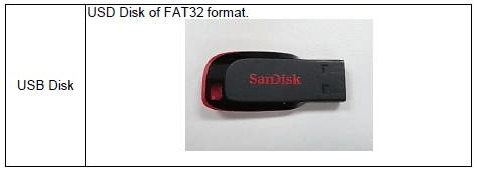
Insert the USB to your PC and extract the firmware from DOPSoft to the USB, ensure the format is fat 32
Step 1
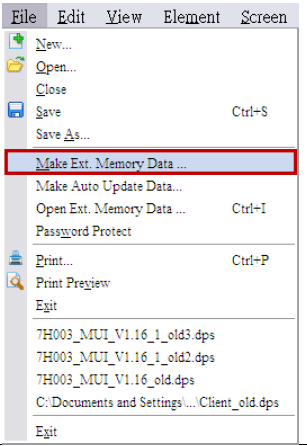
in DOPSoft Enter “File” “Make Ext. Memory Data” and select Make Ext. Memory Data.
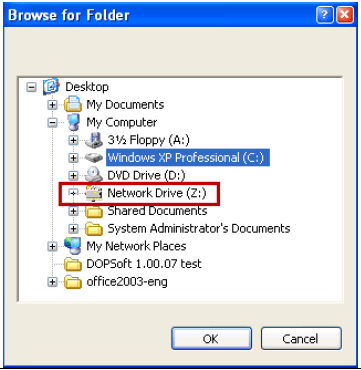
Step2 Select an external disk (USB Disk or SD Card) for making the memory data and click OK.
Step3
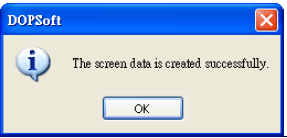
When the memory data are made successfully, a message appears for
Confirmation.
Step4 Insert the external USB unto in HMI
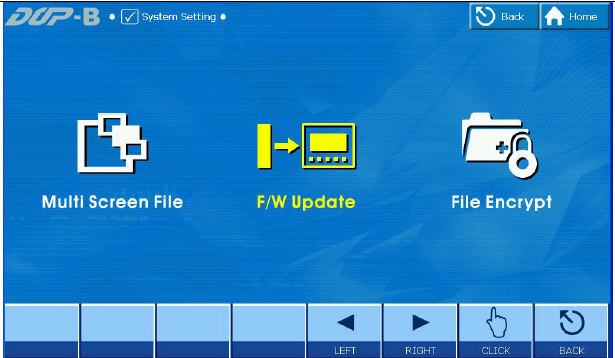
Enter the HMI system screen and select “System Setting” “FileManager” “F/W Update”. If the “F/W Update” icon is not shown in the “File Manager”, press to flip the page.

Step6
Select the source of the firmware to be updated. The firmware version after the
update will be displayed on the screen. Confirm the version and click “UPDATE”
to update the firmware

Step7 The “FW File Burn Success!!” appears to confirm the successful update of the firmware.
Step8 Press “OK” to restart HMI and finish the firmware update operation.
 Delta Industrial Automation EMEA