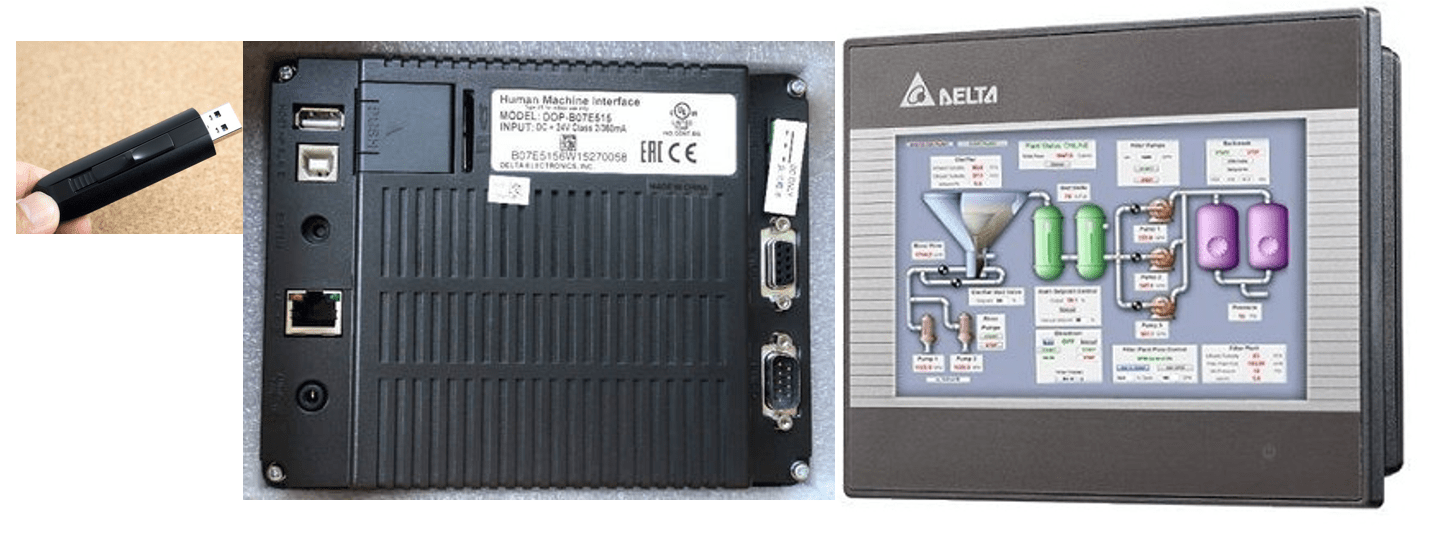
Make auto update data is for automatic update of the firmware or Program file in the HMI without using the system menu
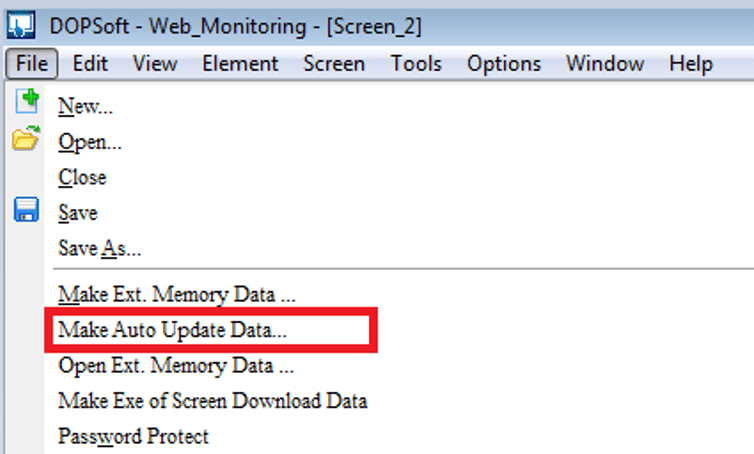
After execute Make Auto Update Data function,DOPSoft will compile the current data. A
window will pop up for users to select the storage directory path. The software will copy the
compiled data into the specified directory, which is usually either SD card or USB. See
Before HMI is
powered on or returning to the HMI screen, HMI does Disk AutoUpdate Check to the
external device when inserting USB Disk. If it does, a message of “【Enter Auto Update
Procedure】” will show (see figure 2-2-3-6). Click【Yes】, HMI will automatically update the
firmware and its screen; click【No】, HMI will do nothing.
IN DOP-B enable: touch and increase the value
 Delta Industrial Automation EMEA